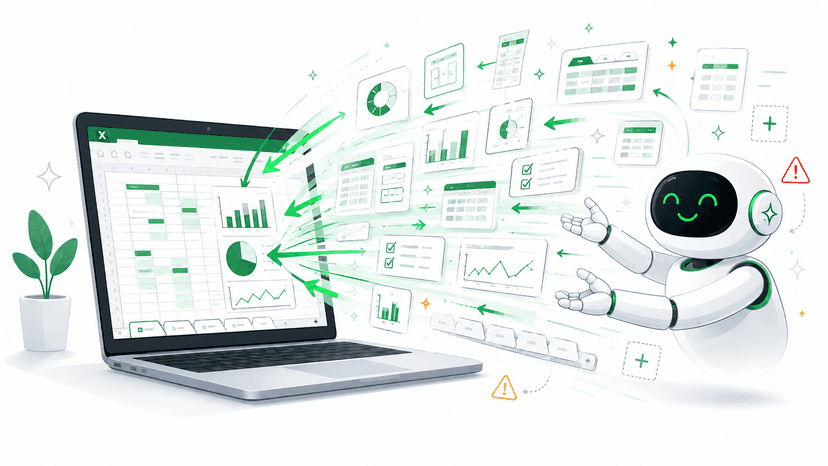

Tabs nobody uses anymore, but everyone is afraid to delete
Old Excel tabs often remain long after they have stopped being used. They rarely take up much space, but they create uncertainty: can we delete them, or is there a formula, report, or person still depending on them?
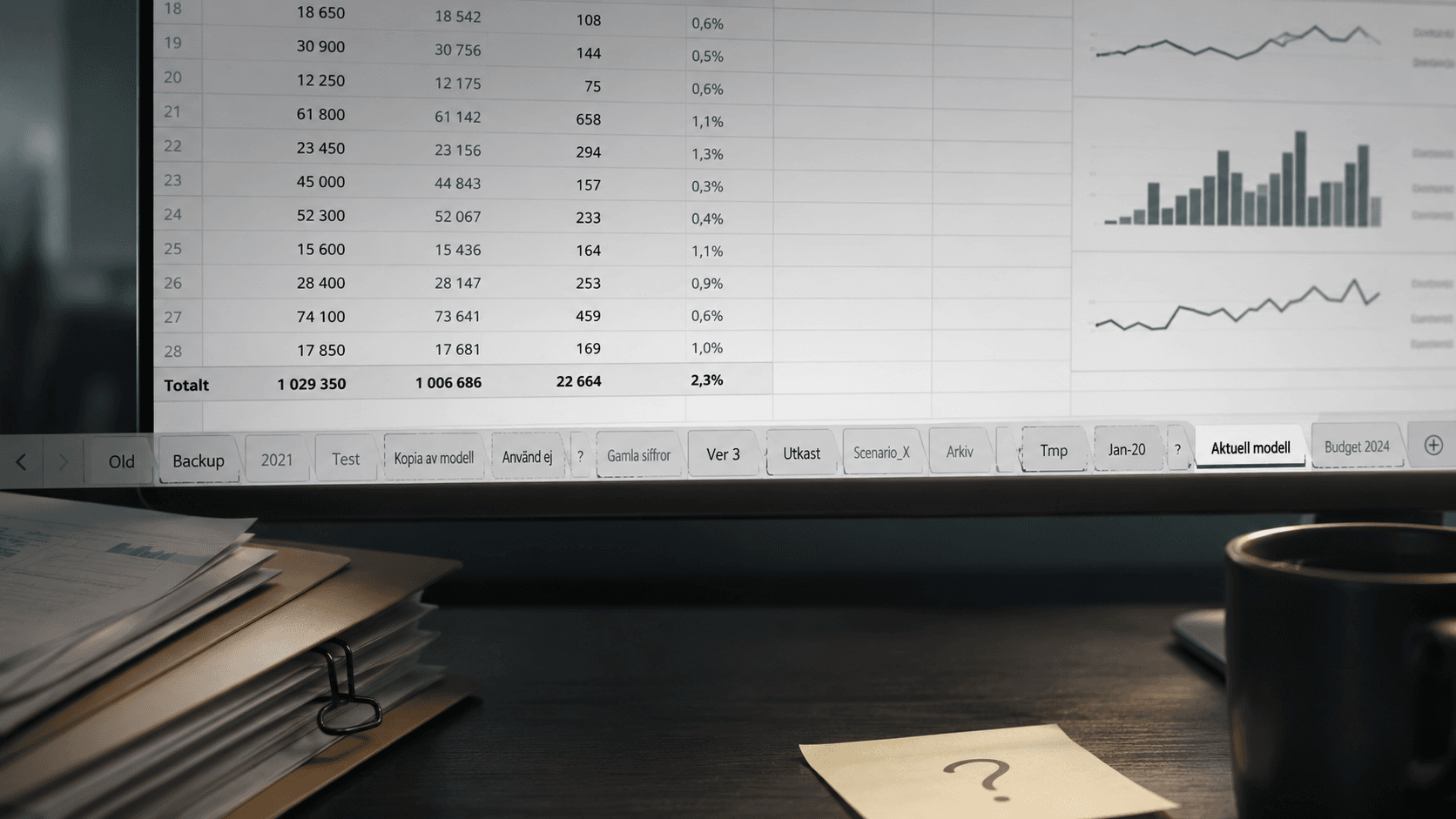
Almost every finance team has them. The tabs at the back of the workbook with names like Old, Backup, 2021, Test, Copy of model, or Do not use.
Nobody opens them anymore. Nobody mentions them in the monthly close meeting. Still, they remain there month after month, because nobody really knows what happens if they are deleted.
An old tab is rarely dangerous in itself. The problem starts when nobody knows whether it still affects the report.
It may seem like a small issue. One extra tab does not cost much. But in a workbook used for reporting, budgeting, forecasting, or analysis, uncertainty is never free. It affects how quickly the team dares to work, how easy the model is to understand, and how safe it feels to hand over responsibility to someone else.
Why old tabs remain
The most common reason is not carelessness. It is caution.
Excel files often grow over time. Someone builds a model for reporting. Someone else adds a helper table. A third person makes a copy to test an adjustment. Once the work moves on, rarely does anyone get the task of cleaning up the structure.
Over time, the tabs become a kind of historical layer. Some contain old assumptions. Others show previous versions of the same calculation. A few may actually still be used by formulas, pivot tables, or external links.
The problem is that this is often not visible at first glance.
A tab can look completely dead but still be connected to an important cell in the monthly report. Another tab can be entirely unused but have a name that makes it feel critical. The result is that everyone leaves everything in place.
Uncertainty makes Excel slower
Old tabs create friction in several ways.
- The person trying to understand the file needs to decide what is actually relevant.
- The person changing a formula needs to check whether the data comes from an active tab or an old copy.
- The person taking over the workbook needs to interpret both the logic and the history at the same time.
- The person reviewing the model finds it harder to see what is current and what is only old material.
This makes simple changes take longer than they should. Instead of improving the model, the team spends time avoiding mistakes.
This is especially common in files that have become central to the business, but are still treated like personal working documents. They work, but nobody has full overview anymore.
“Don’t delete it, just rename it” is not always a solution
Many teams try to handle uncertainty by renaming old tabs to something clearer. For example Archive, Old not used, or Delete later.
That is better than nothing, but it does not solve the core problem. A tab named Delete later can still remain in the file for three years. And unless someone has checked the dependencies, the team is still just as uncertain about whether it can actually be deleted.
The important thing is not only knowing what the tab is called. The important thing is understanding what role it plays in the workbook.
Start with dependencies, not gut feeling
A safer approach is to first map how the tabs are used.
- Which tabs contain input data?
- Which tabs are used in calculations?
- Which tabs are only old copies?
- Are there formulas pointing to them?
- Are there cells that other parts of the model still depend on?
When dependencies become visible, decisions become easier. The team can distinguish between tabs that are active, tabs that should be archived, and tabs that can be deleted.
| Type of tab | Recommended handling |
| Active and used | Keep it, name it clearly, and document its purpose |
| Historical but relevant | Move it to an archive or separate reference file |
| Unused and without dependencies | Delete it after an agreed check |
This does not need to become a large governance project. Often, a simple routine for reviewing critical workbooks before closing, budgeting, or major model changes is enough.
Calkin helps teams clean up with confidence
Calkin is built for teams that want to keep working in Excel, but with better control over important files. When dependencies, structure, and risk points become clearer, there is less need to guess.
That does not mean every old tab must be deleted. Sometimes there are good reasons to keep history. But the decision should be deliberate, not based on fear.
For many finance teams, the biggest gain is not the cleaner workbook itself. It is that more people dare to understand, maintain, and improve the file. When the Excel model no longer feels like a black box, it becomes easier for the team to own.
Old tabs are rarely the problem in themselves. The problem is when nobody knows whether they still mean anything. That is where the solution starts: make dependencies visible, decide what is actually used, and let the rest disappear with control.