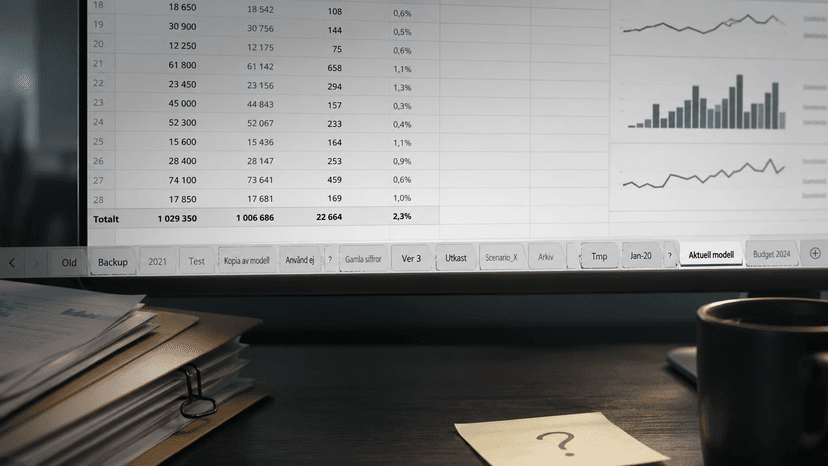

Should you really let AI touch your Excel files?
The temptation is understandable. A complex workbook with ten sheets, loads of formulas and a bunch of connections you barely remember building. You explain the problem to the AI and thirty seconds later you have a suggestion that looks perfectly reasonable. You paste it in. Seems to work. You save. And that's where things get interesting.
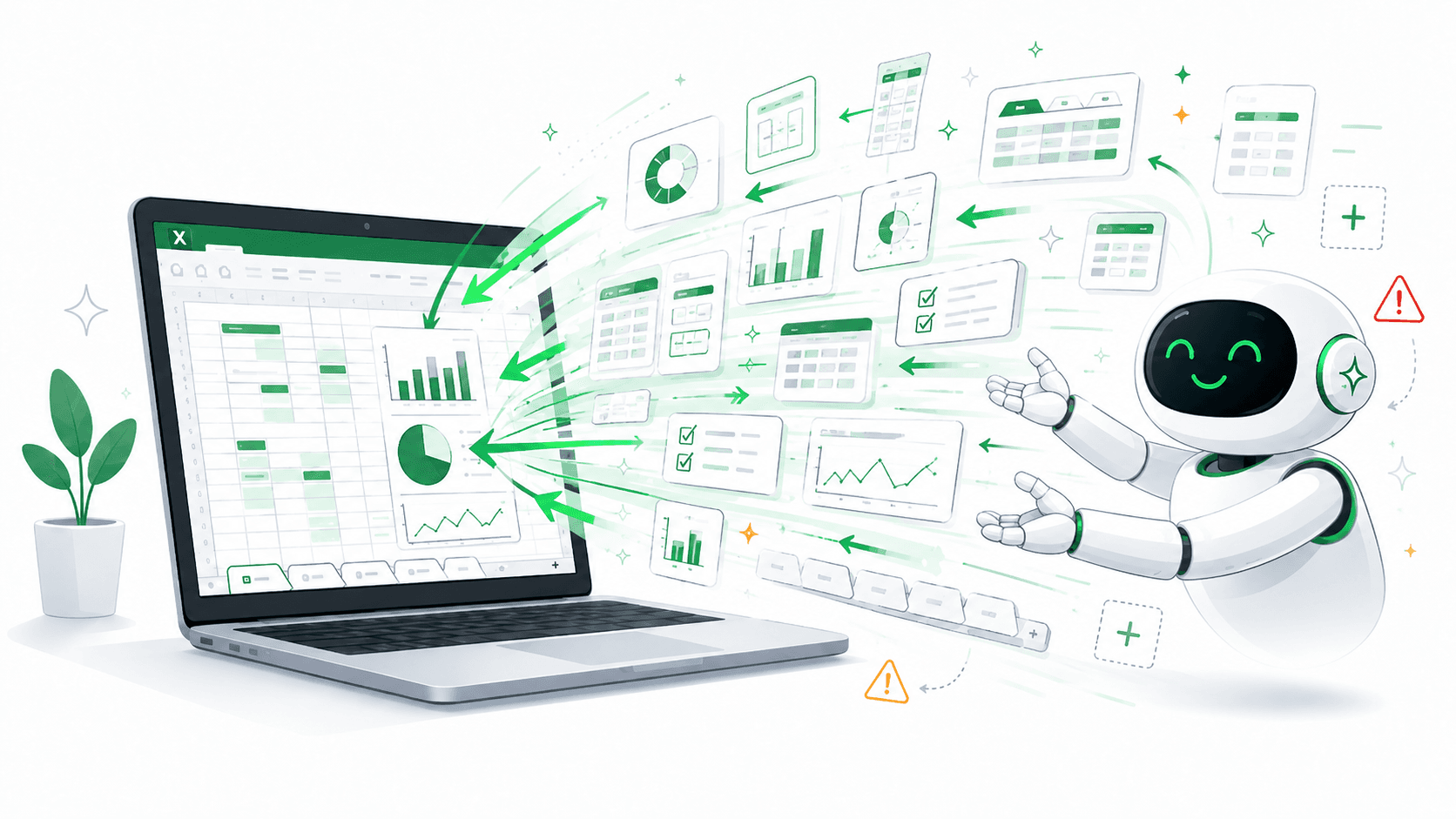
The problem isn't that AI makes mistakes
That happens of course, but it's not the real issue. AI doesn't make small mistakes. AI makes large changes, fast, with a confidence that stops you from questioning them.
And once the changes are made, what have you actually got? Which cells changed? Which references to other sheets are now pointing somewhere wrong? Which named ranges have disappeared?
You don't know. Either you guess, or you spend hours checking manually.
Other industries have solved this
In software development, AI has become a natural part of the workflow, but there's one important difference compared to using it in Excel: developers have completely different tools for understanding what actually happened.
Version control shows exactly what changed, line by line. You can compare before and after, roll back, trace every decision. There's a safety net.
In Excel there's no such net. You have undo until the file is closed. After that, the history is gone.
Fast in, slow out
What in theory was a time-saver risks becoming a new time sink.
The AI might have solved the original problem in a minute. But now you need to go through sheet by sheet, formula by formula, to understand what was actually done. Do all the sheets still have their connections? Are the formulas calculating against the right data? Is something that looks like it works actually broken?
It's not uncommon for that verification to take longer than if you'd made the change by hand in the first place. Without the right tools, AI in Excel isn't always a win.
How Calkin solves this
Calkin gives a direct overview of how a workbook actually fits together, without having to click around and trace things manually.
In practice that means you can quickly see which sheets reference which, which sheets are no longer linked from anything at all, and where there are formulas pointing to cells or ranges that no longer exist.
That's the kind of control that's otherwise completely missing after AI has made large changes. Instead of spending an hour verifying that everything looks right, you get a factual picture in a few minutes of whether the workflow is still intact.
AI in Excel works, with the right tools
It's not about avoiding AI. It's about being able to verify the result in a structured way afterwards.
With Calkin you can use AI for what it's good at, quickly suggesting and implementing changes, without losing control of the workbook in the process.