Why Finance Teams Still Build Critical Processes in Excel in 2026
Despite new systems, more automation, and greater demands for control, many finance teams continue to build important processes in Excel. This is not a sign of immaturity, but often a practical response to how finance work actually happens.
Excel Is Not Disappearing from Finance Work
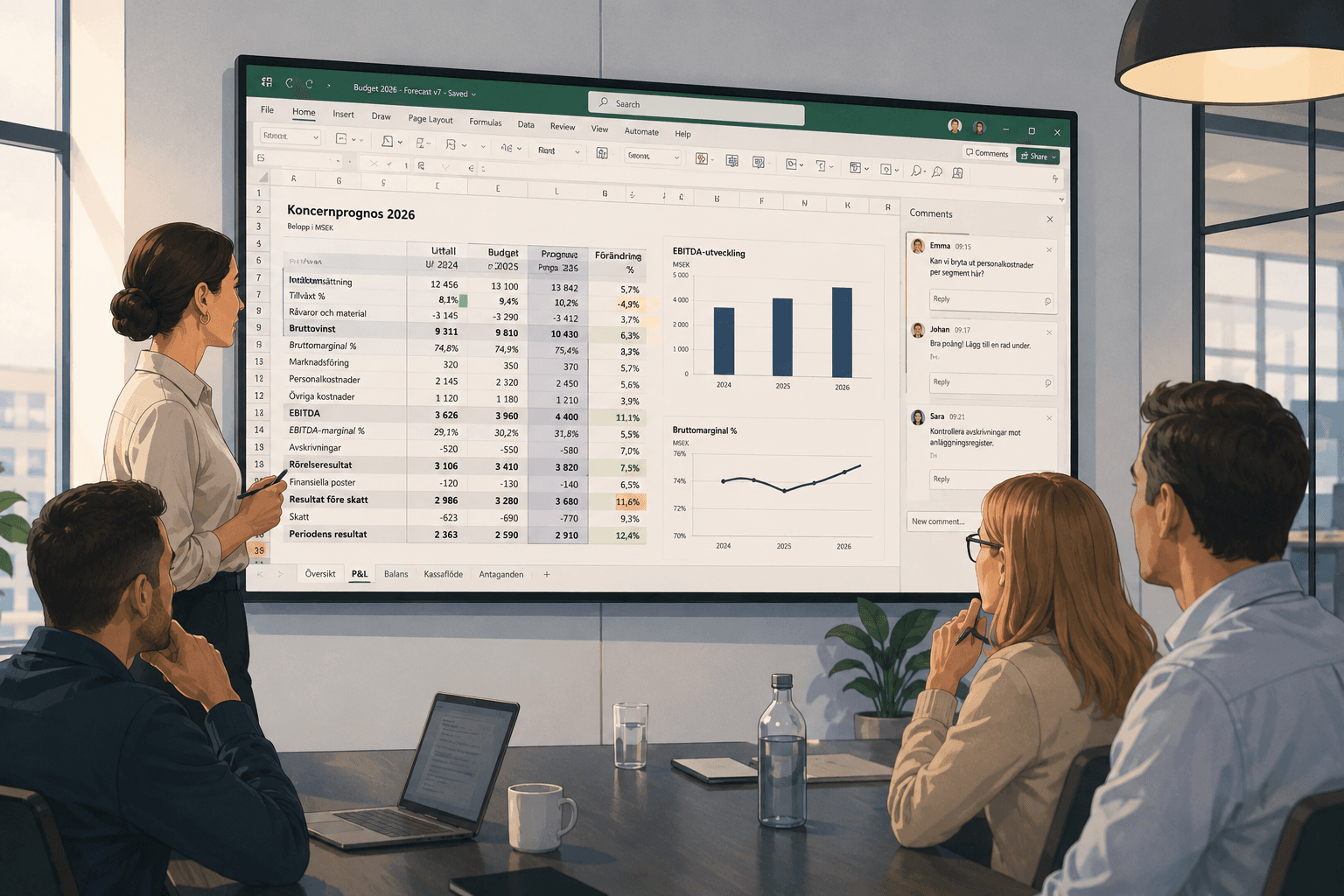
Every year, new tools promise to reduce the reliance on spreadsheets. ERP systems become more comprehensive, BI platforms more visual, and automation more accessible. Yet Excel remains a central workspace for controllers, CFOs, analysts, and finance departments.
This is not because finance teams lack the ambition to modernize. It is because reality rarely fits perfectly into a system workflow.
Finance work often involves exceptions, judgments, time-sensitive questions, and data that needs to be combined from multiple sources. When a forecast needs to be updated before a management meeting, when a margin variance needs to be understood, or when a budget scenario changes late in the process, Excel is often the fastest way forward.
It Is About Flexibility, Not Habit
Excel is still used for critical processes because it gives finance professionals control over the logic. They can see formulas, change assumptions, test scenarios, and follow how the numbers are connected. That is difficult to replace with a locked system interface.
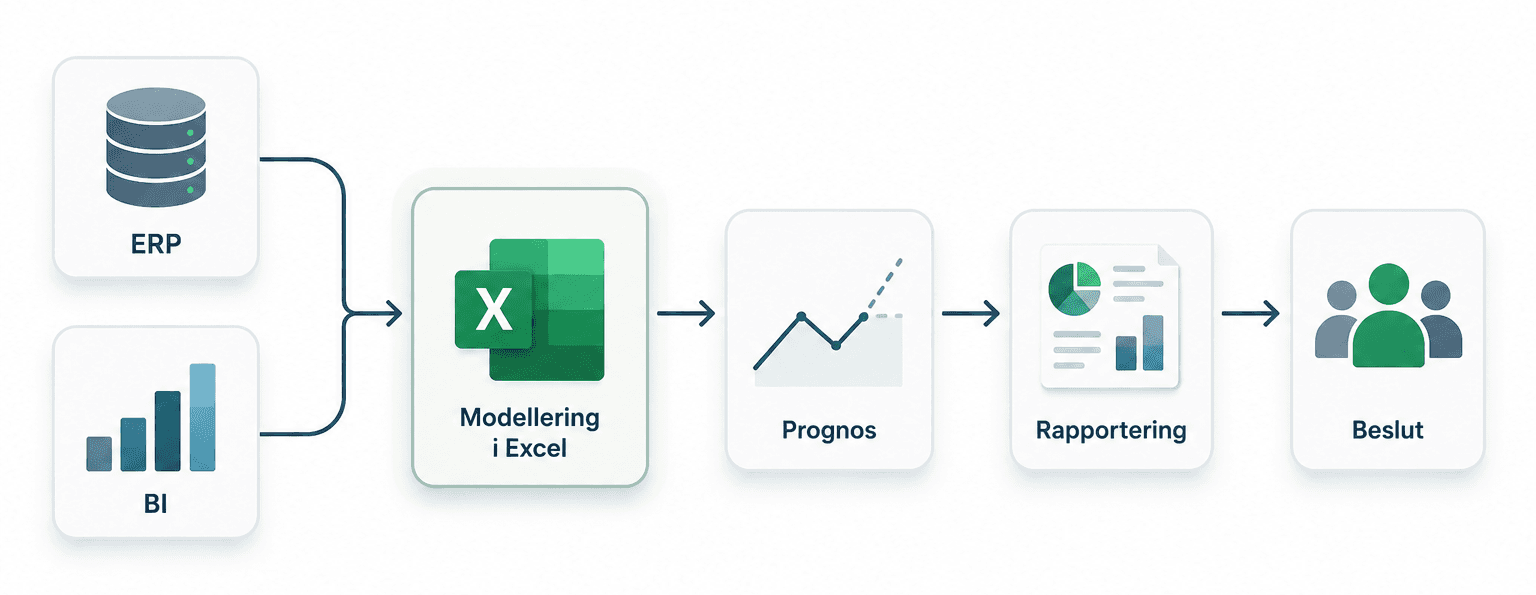
In many organizations, there is also a practical middle ground between business systems, reporting systems, and decision-making. Data is extracted from one system, adjusted in another, and presented in a third. Excel often becomes the place where these parts come together.
That makes the tool valuable. But it also makes the processes vulnerable.
When Flexibility Becomes a Risk
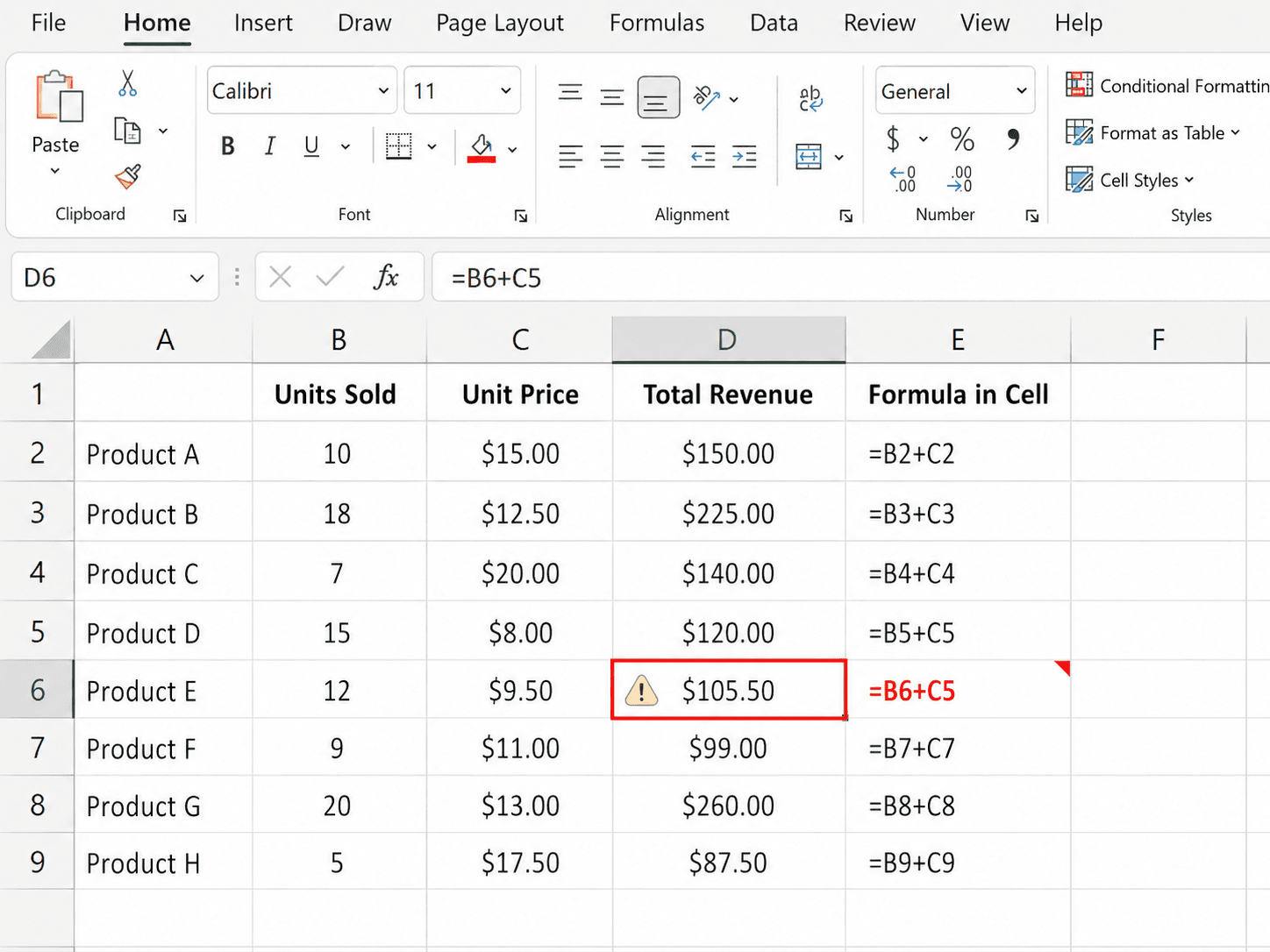
The problem is rarely Excel itself. The problem arises when important workflows depend on manual copy-paste, file names like “final_final”, hidden formulas, local files, and knowledge that sits with one person.
A model can work perfectly well as long as the same person updates it every month. But when someone changes role, a colleague needs to review it under time pressure, or a formula is accidentally overwritten, the weaknesses become clear.
For finance teams, this is especially sensitive because small errors can affect reporting, forecasts, decision-making material, and internal trust. The errors are not always visible immediately. Sometimes the spreadsheet looks reasonable even though a link is broken or an assumption is no longer valid.
Why Systems Are Not Always Enough
It is easy to say that more processes should be moved into central systems. In some cases, that is absolutely the right approach. But many financial tasks change too quickly or are too specific to the business to fit neatly into a heavy implementation project.
A pricing model, a cash flow forecast, an internal follow-up, or a cost-saving scenario may need to change several times within a few days. In those situations, it is not realistic to wait for system development, data modeling, or new reporting views.
Excel is therefore not just a legacy tool. It becomes a working tool for situations where finance needs to think, test, and act quickly.
The Next Step Is Not to Ban Excel
The more realistic question for 2026 is not whether finance teams should stop using Excel. The question is how critical Excel processes can become safer, clearer, and easier to review.
This may involve reducing manual copy-paste, making dependencies visible, protecting important parts of models, and creating better traceability around changes. It may also involve giving teams a shared way of working, so that spreadsheets do not become private systems that only one person understands.
This is where Calkin fits in as a pragmatic support for teams that already work in Excel. The point is not to replace Excel with yet another large system. The point is to help finance departments continue using a tool they know, but with better control over the processes that actually influence decisions.
Excel Is Still Where the Work Happens
Finance teams build critical processes in Excel because the work requires flexibility, closeness to the numbers, and the ability to quickly adapt models to reality. That will not disappear simply because the surrounding systems become more advanced.
However, organizations need to be honest about which Excel processes are business-critical. When spreadsheets affect forecasts, reports, and decisions, they should be treated with the same care as other important parts of the finance function.
Excel is still where much of the work happens. The challenge is to make that work more robust.