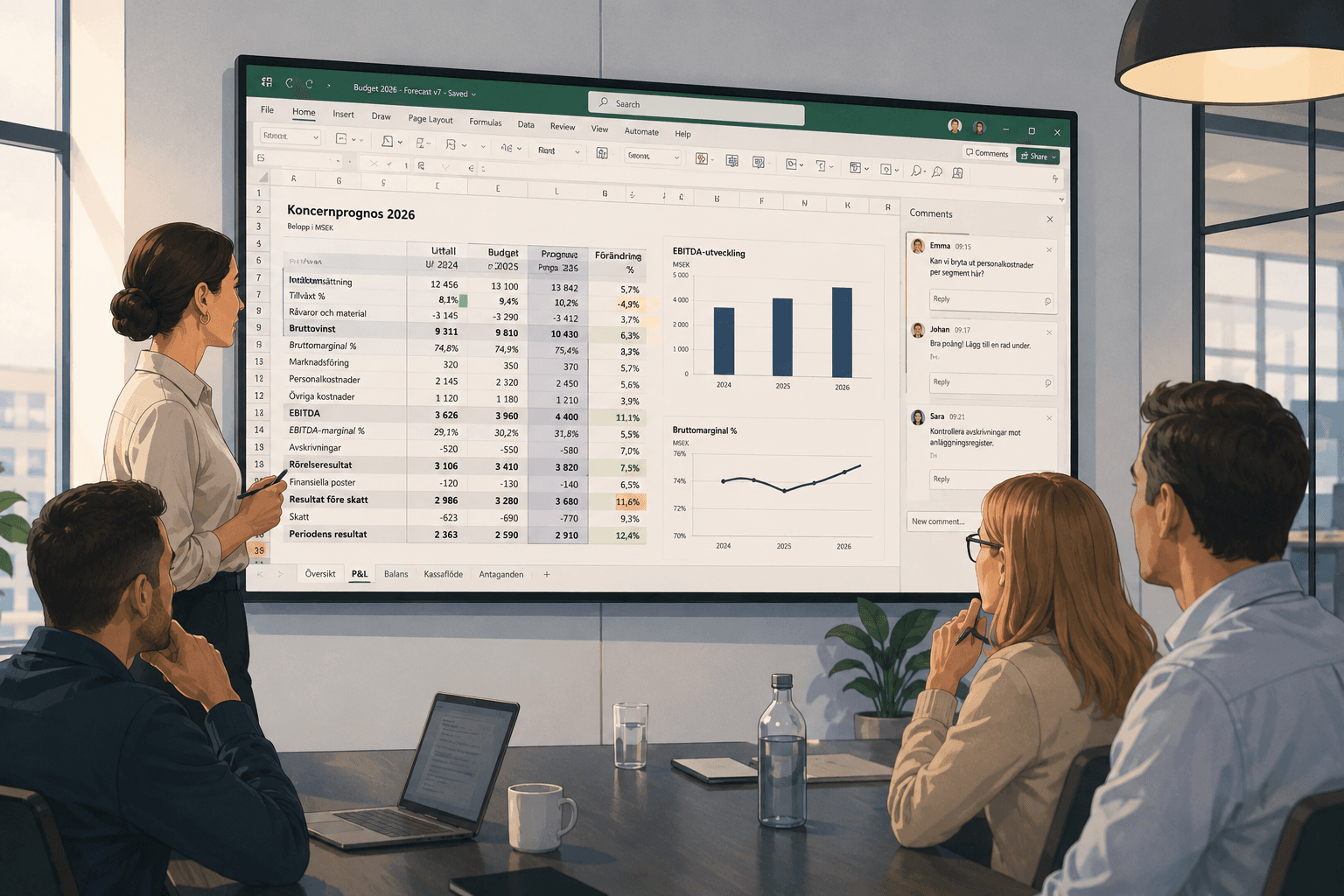
Why copied formulas are one of the most common sources of errors in Excel
Copied formulas are one of Excel’s most used features, but also a common source of errors. As spreadsheets grow, small deviations in formula logic can quickly affect important decisions.
Copy, paste, and hope everything is correct
Copying formulas is a natural part of working in Excel. It saves time when budgets, forecasts, and reports need to be extended across months, cost centers, or business areas.
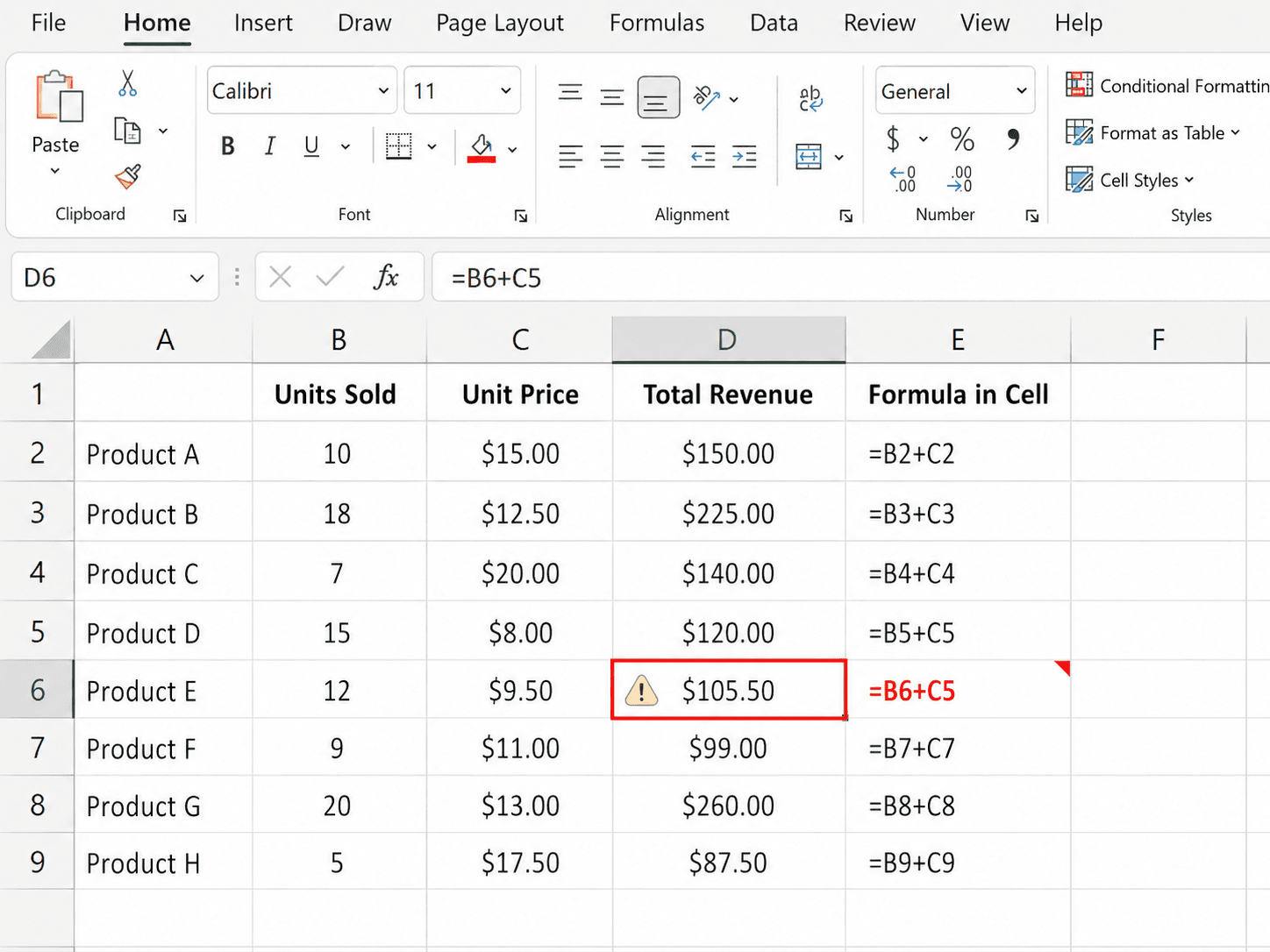
But that is also what makes it risky. A formula that worked in one cell is not necessarily correct when it ends up somewhere else. References can shift, absolute references may be missing, and new rows or columns can make the calculation point to the wrong place.
Often, the issue is not immediately visible. Excel keeps calculating, and the number shown may still look reasonable.
The error is rarely visible on the surface
Many formula errors are not dramatic. They do not trigger an error message or cause the model to break. Instead, they create small deviations that can make their way into reporting, forecasts, or decision material.
This is especially common in workbooks that are reused regularly. Last month’s template is reused, data is pasted in from another system, and someone adds a new row for an account or project. Everything looks familiar, but a copied formula has not moved in the right way.
As models grow, the risk increases
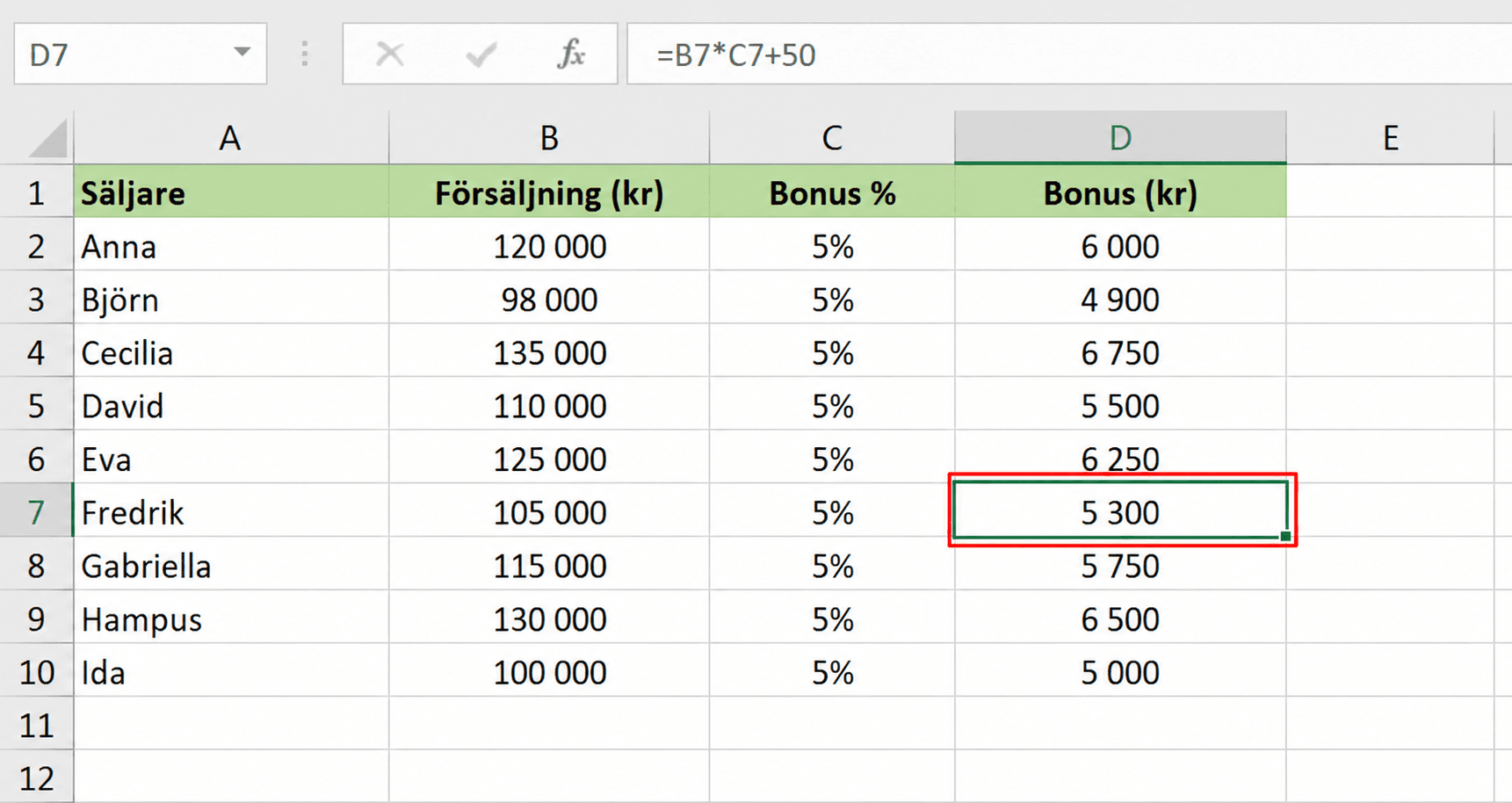
The more people who work in the same file, the harder it becomes to know what is an intentional change and what is a mistake. A deviating formula may be completely correct, but it can also be the start of an error that affects several parts of the report.
Manual review helps, but it is difficult to do consistently. Clicking through cells one by one can work in small models, but it quickly becomes impractical in larger workbooks with many sheets, links, and dependencies.
This does not mean Excel is the wrong tool. On the contrary, Excel is used because it is flexible, fast, and close to the business. The challenge is that critical Excel processes need better control than the human eye can provide.
Better control without leaving Excel
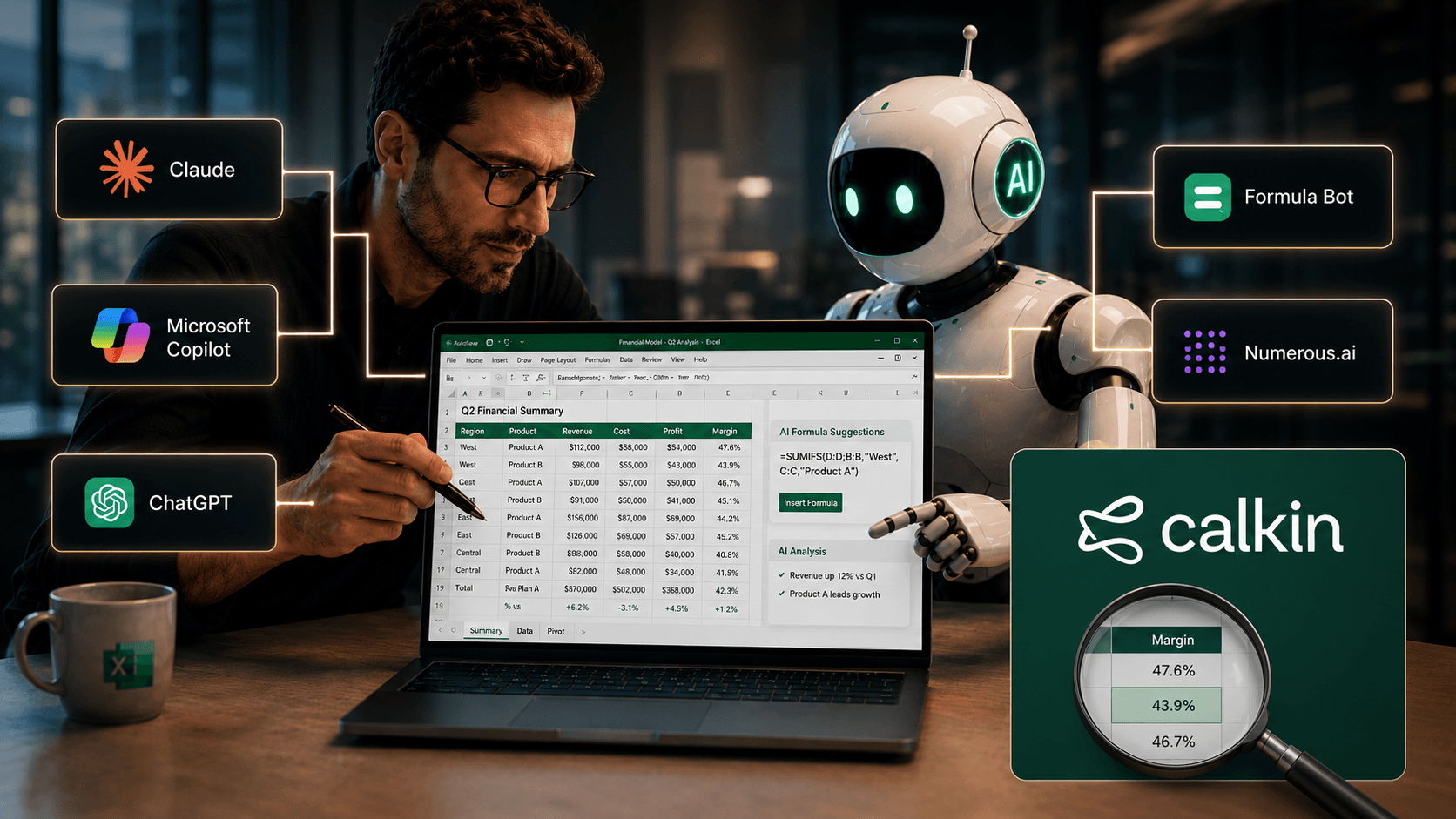
Calkin is built for teams that want to keep working in Excel while reducing risk in the files that matter most. By making it easier to see formulas, deviations, and dependencies, it becomes easier to spot when something does not follow the expected pattern.
For finance teams, this is not just about finding individual errors. It is about being able to trust the workbook, even after it has been changed, shared, or expanded over time.
Copied formulas will always be part of Excel. But in important models, they should be treated as a risk to manage, not just as a shortcut that saves time.