· By the Calkin team
How good are you really at Excel?
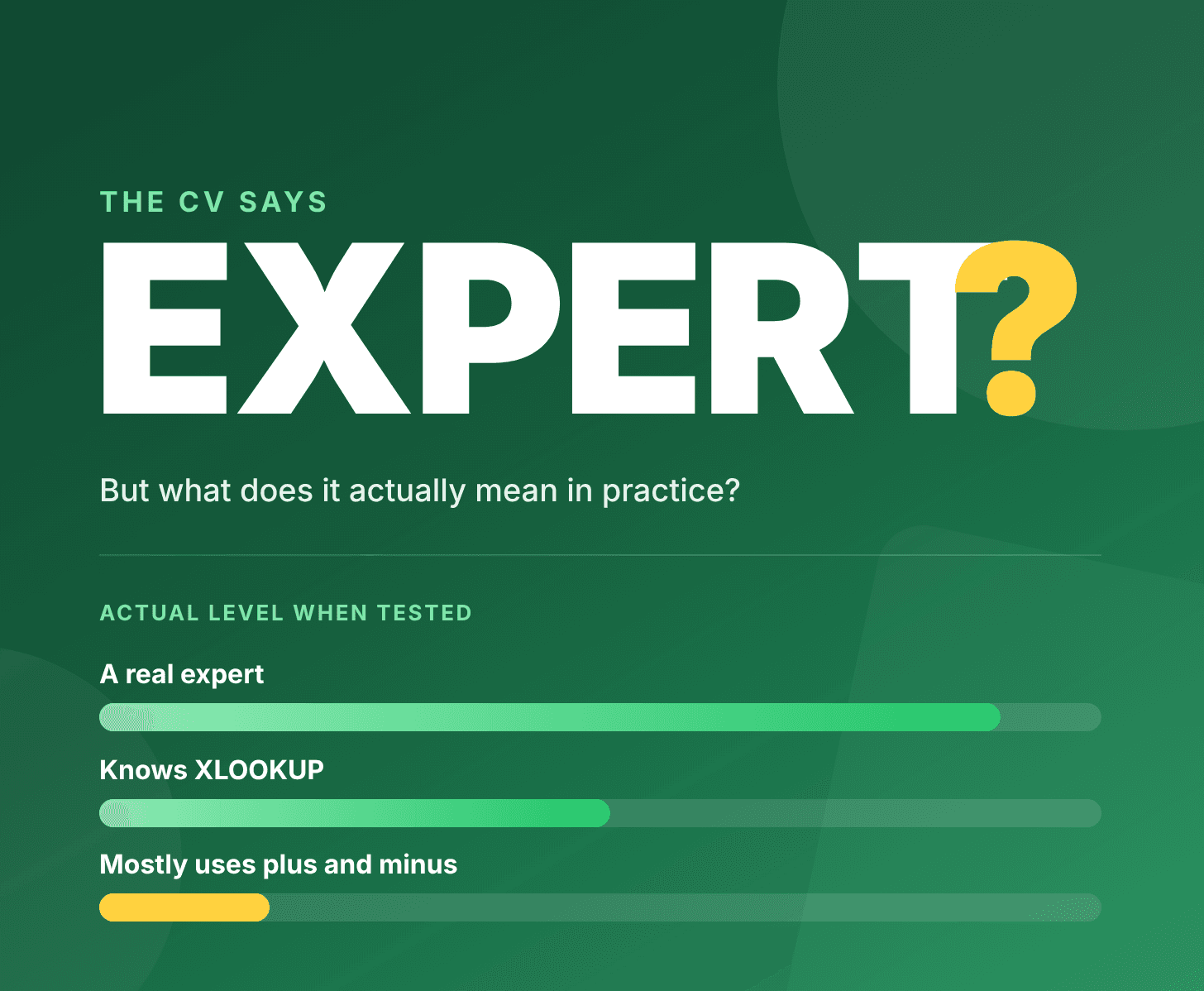
“Expert” is one of the most common words on a CV. It’s also one of the least useful.
For one person, being an Excel expert means knowing how to create a pivot table. For another, it means building a model that still works when someone else takes it over. Both use the same word. The difference only becomes clear when they sit down with a real workbook.
That’s why we’ve put together a short Excel test that shows what someone can actually do.
The problem with self-assessment
Most people judge their Excel skills by what they do every day. If you spend your time adding up columns and sorting lists, it’s easy to feel confident because you can do everything your work requires.
The gaps only show up when the task changes. A financial controller reconciling twelve monthly tabs against an 8,000-row general ledger needs more than addition and subtraction. That’s when it matters whether you can look up values across sheets, handle errors in the data and write formulas that keep working as more rows are added.
It goes both ways. Plenty of people underestimate themselves, especially if they’re self-taught and have never had a chance to see how their skills measure up.
Why an interview isn’t enough
In an interview, you can talk your way through almost anything. Ask someone if they know how to use XLOOKUP and you’ll almost always get a yes. Ask how they’d build a report and you’ll get a reasonable answer.
Describing a solution and building it take different skills. The difference between someone who’s heard of a function and someone who uses it every week rarely becomes clear until they’ve started the job.
For roles where Excel is the main tool, guessing can get expensive.
The test takes ten minutes
The test is a series of tasks in a regular Excel workbook. They start out simple and get harder, moving from basic formulas to lookups, conditional logic and workbook structure. The whole test takes about ten minutes.
The goal is to see where someone’s skills stand, whatever their level, so you can compare them with what the role requires.
If you want to test yourself
Download the workbook, set a timer for ten minutes and work through the tasks without looking up the answers. Then check your work against the answer key.
The result shows where you stand and what’s worth learning next. It’s also helpful if you’re applying for a new job and want to know whether you can back up “advanced Excel skills” on your CV.
If you’re hiring
Ask the candidate to take the test as part of the interview. It takes ten minutes and gives you something concrete to discuss afterwards.
Look at how the candidate solved the tasks as well as how many they got right. Two people can arrive at the same answer. One might use a formula anyone can follow, while the other hardcodes numbers nobody will understand six months later.
Download the Excel test
The test is free. You can use it as is or adapt it to the role you’re hiring for.